Carrell Get Carrell

The details.

For the curious: what Carrell is built on, what comes with it, and where it runs.

Faster than turning a page.

Carrell is a native app written in Rust, not a web page in a window. It takes about 15 ms of work to show the first page, and searching all 66 books takes under 2 ms. All 1,189 chapters sit in one continuous scroll, and only what is on screen is ever typeset.
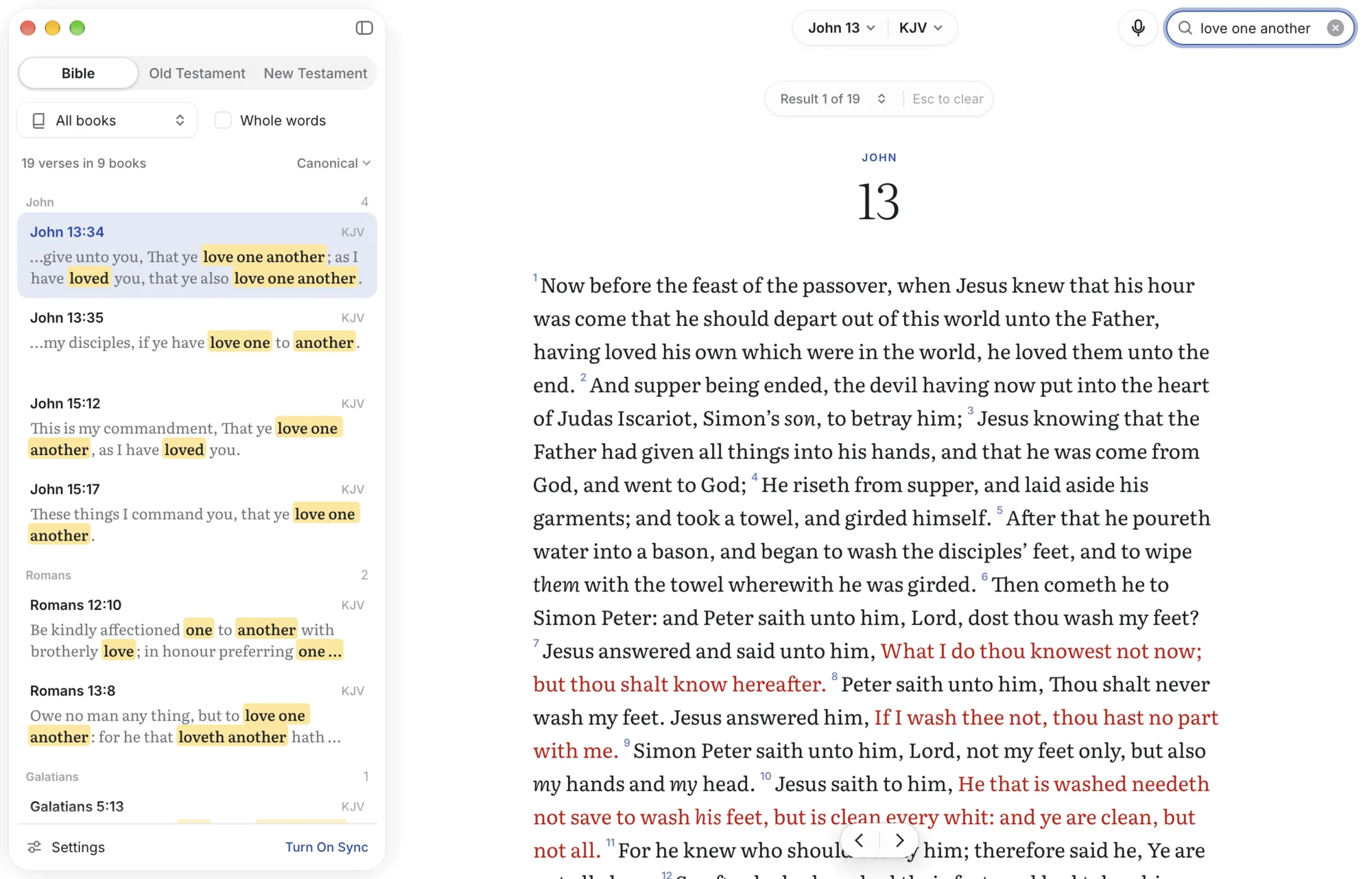
Searching the whole Bible on the Mac, with matches highlighted as you type

Seven translations built in.

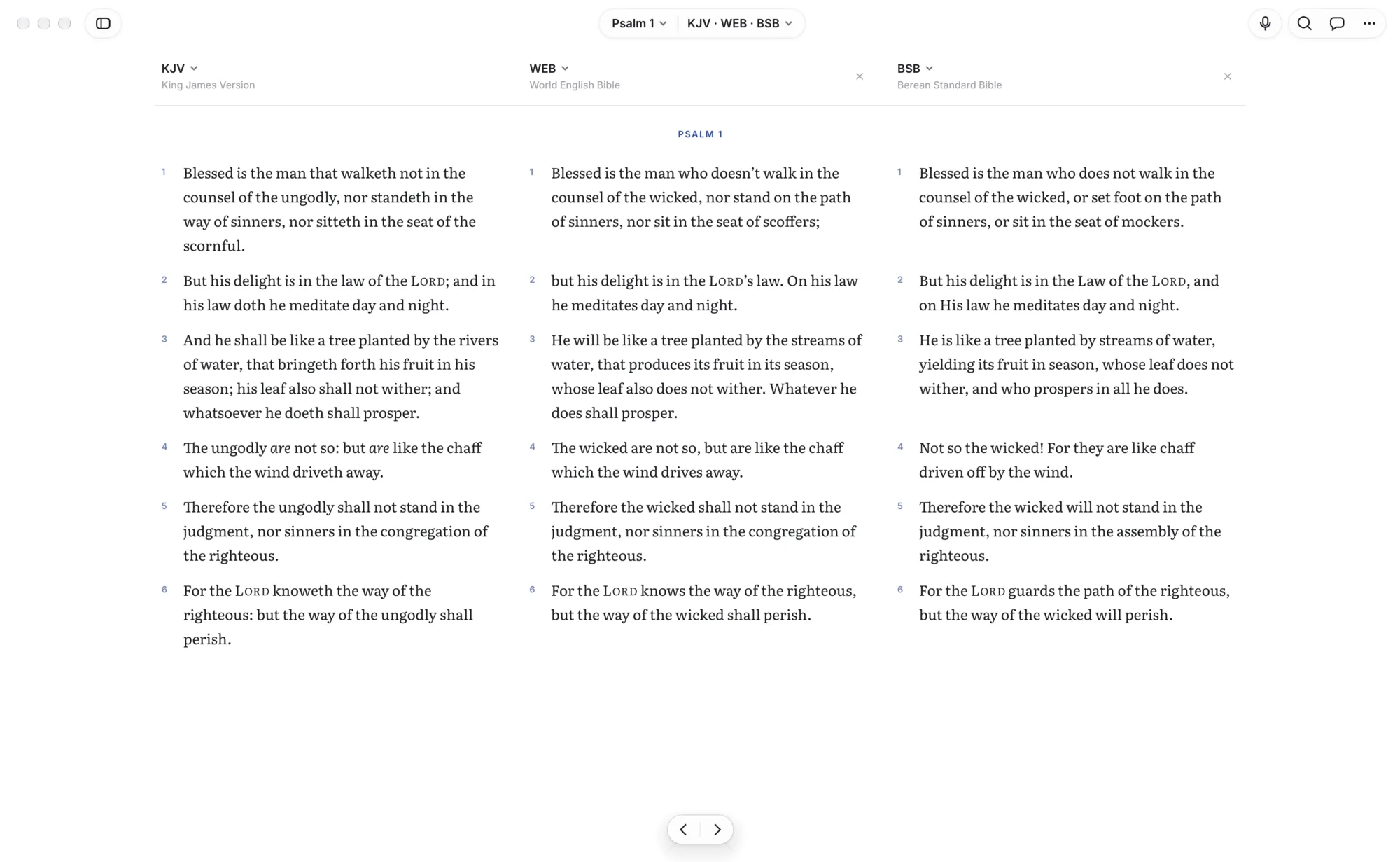
KJV, WEB, BSB, ASV, YLT, Darby and Webster, all public domain, side by side in parallel columns. Compare any verse across every translation at once, and import other translations you own.

Psalm 1 in the KJV, WEB and BSB side by side

Made for the keyboard.

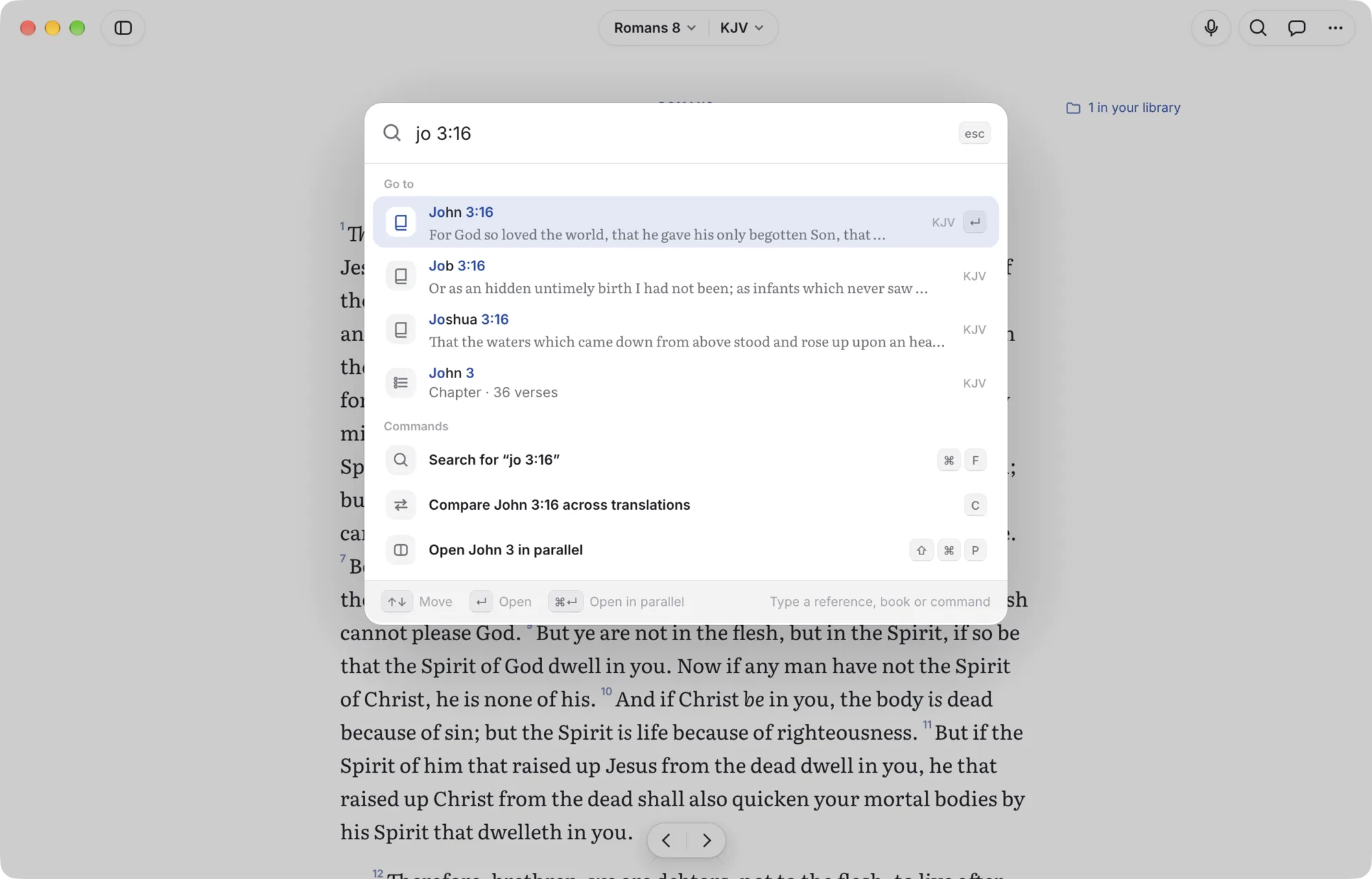
On the Mac, ⌘K jumps anywhere: type “jn 3:16” or “rom 8” and the page is there. ⌘F searches, the arrow keys turn chapters, and 1 to 6 highlight the selected verse.

The jump palette on the Mac, typing a reference

Or scroll, one verse at a time.

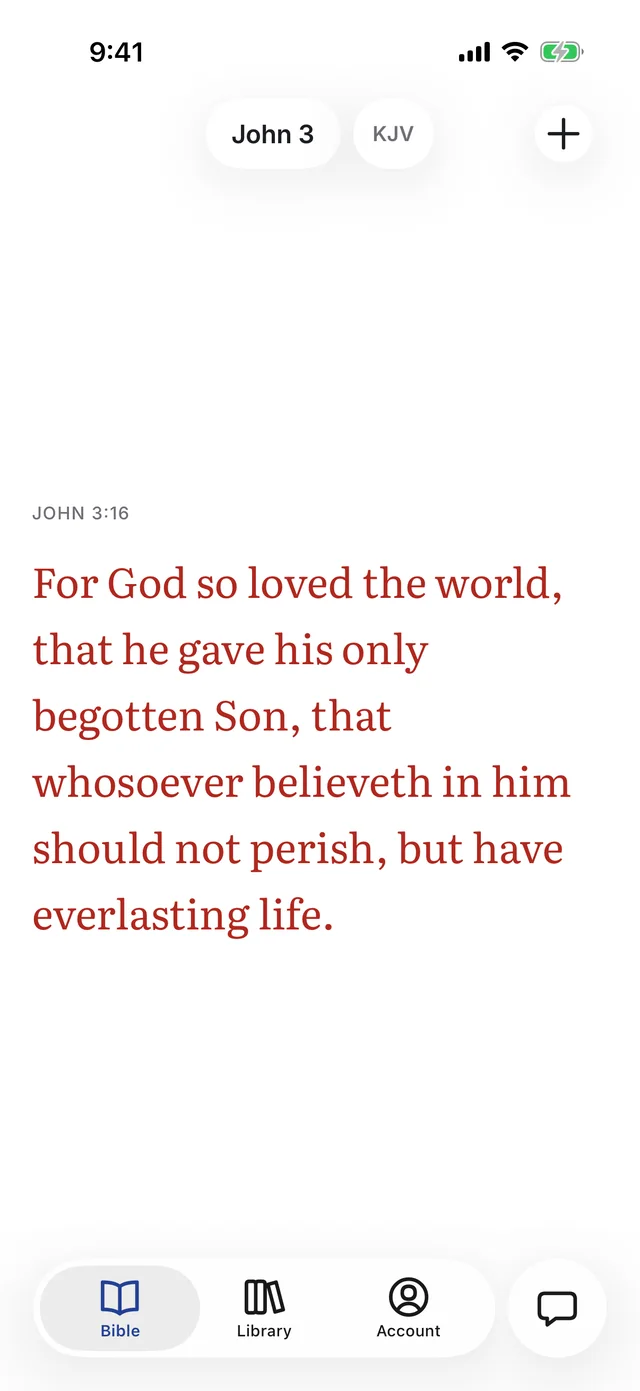
Turn on scroll mode on iPhone and the Bible becomes a feed of single verses, each with the screen to itself. Swipe up for the next, on through the end of the chapter. Tap a verse to highlight it, write a note or ask about it.

John 3:16 alone on the screen in scroll mode on iPhone

Where it runs.

iPhone and iPad (iOS and iPadOS 26.1 or later, in public beta), the Mac (macOS 11 or later, Apple silicon and Intel) and Linux (64-bit x86). Android is planned. One Carrell account keeps your library in sync, reading needs no connection once you’re signed in, and everything you keep exports to Markdown or JSON.

Download Carrell