 Carrell
The Bible, and everything you study beside it.
Carrell is a very fast, beautifully typeset Bible reader for Mac, Linux and iPhone. Your notes, highlights, recorded sermons and photos of the pages you study live beside the verses they belong to, and Ask answers your questions from them and from Scripture.
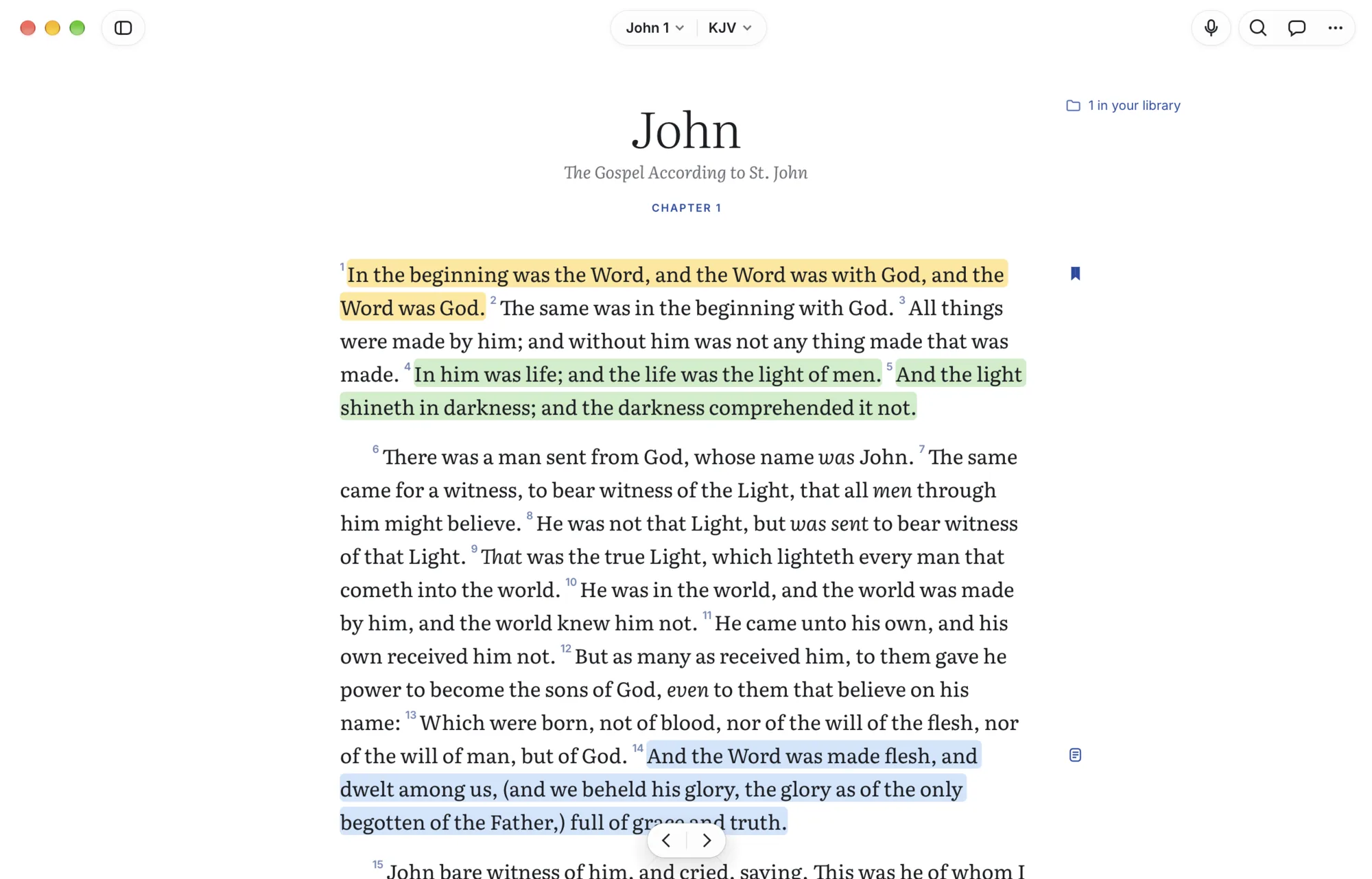
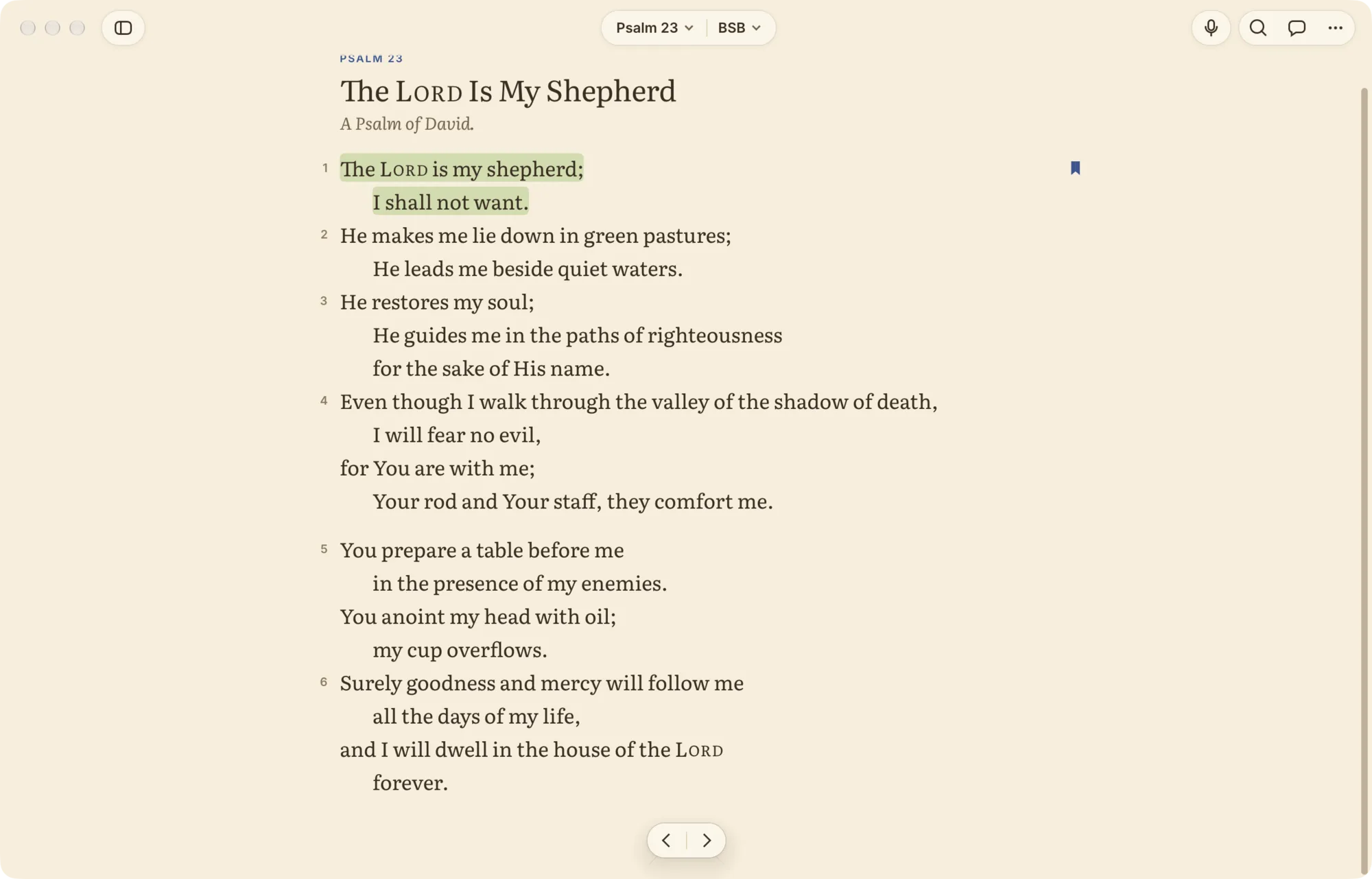
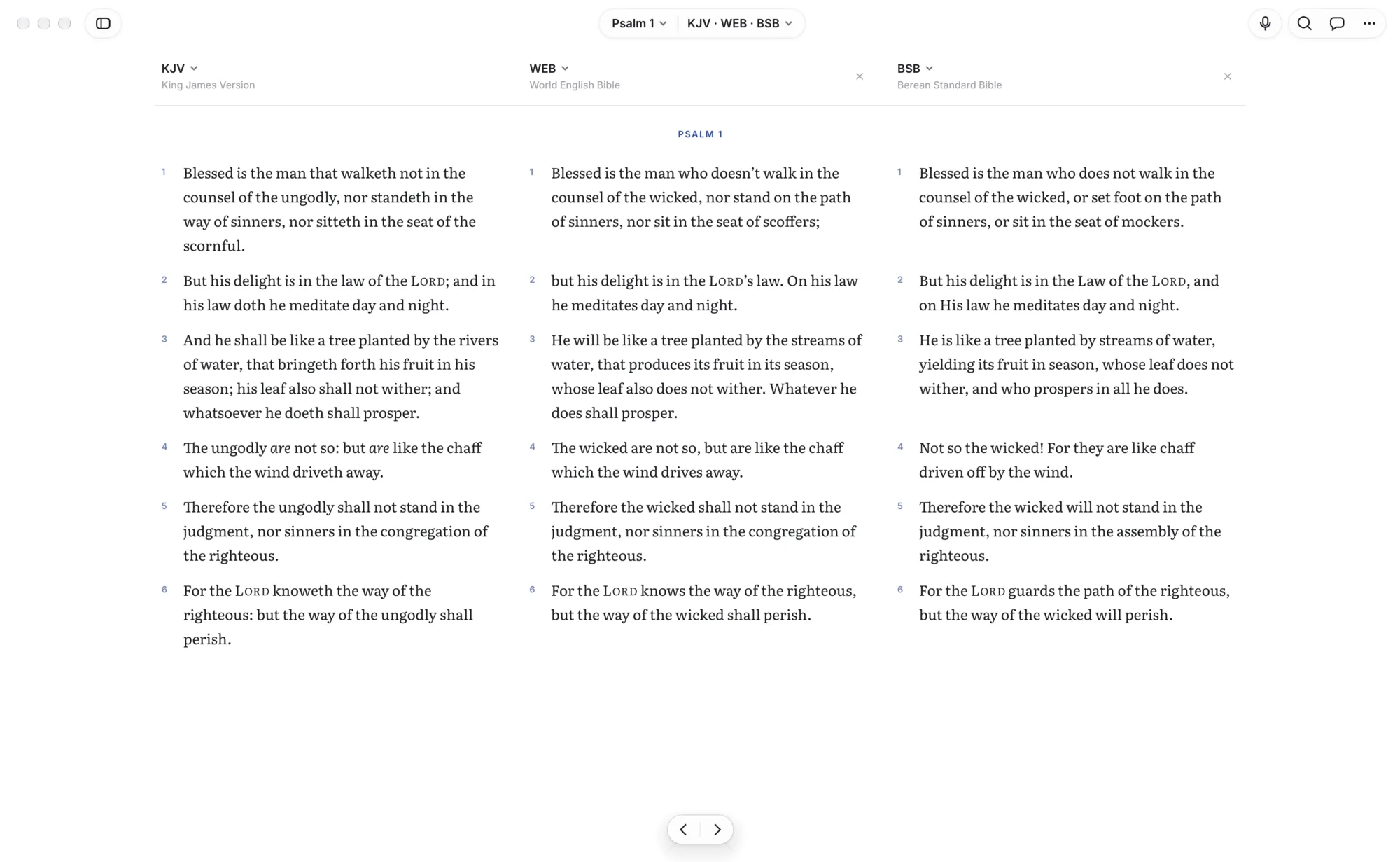
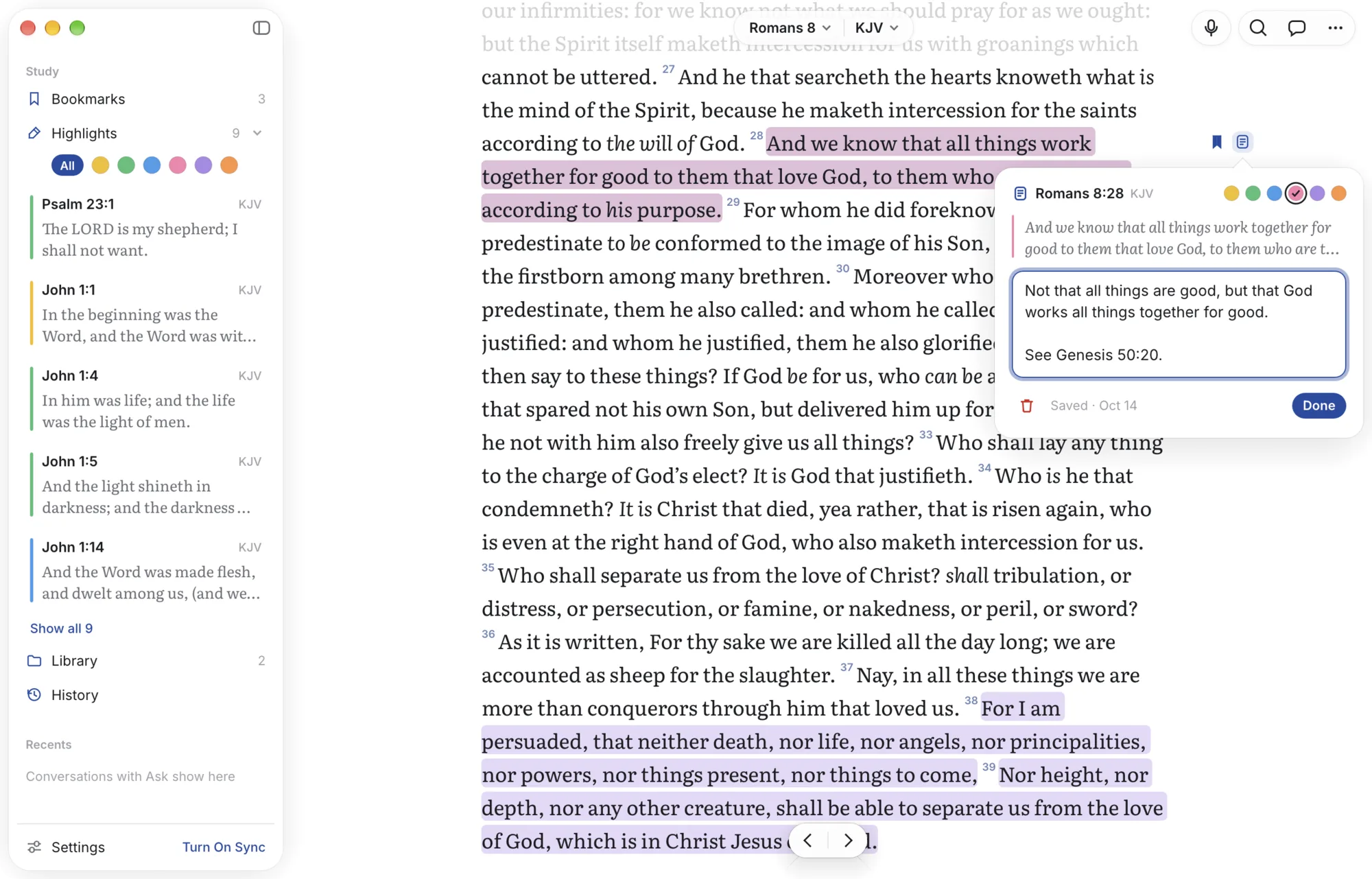
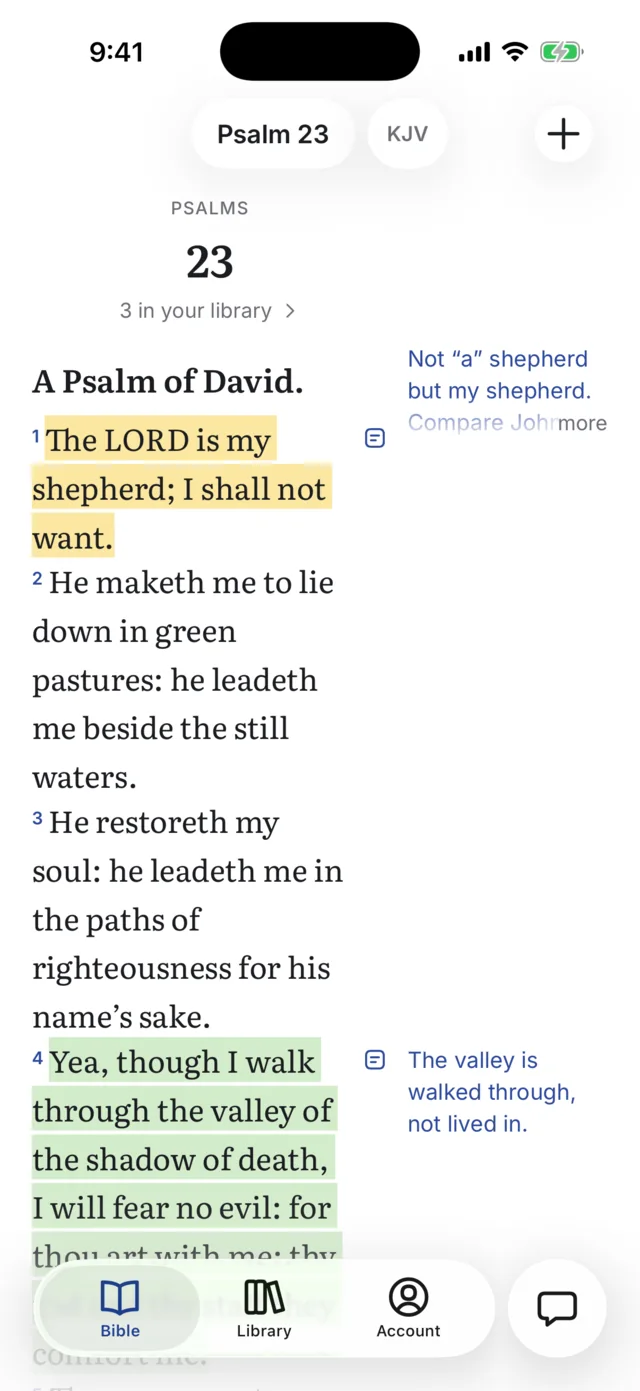
Real screenshots. Type a reference and the page is already there.
Read
Typeset for reading, not for scrolling past.
Carrell sets Scripture the way a good printed Bible does: Literata at a comfortable measure, superscript verse numbers, poetry with hanging indents, Lord in small capitals, and the words of Christ in red if you want them. Paragraphs or verse per line, light, sepia or dark.
- Seven translations built in. KJV, WEB, BSB, ASV, YLT, Darby and Webster, side by side in parallel columns. Import others you own.
- Compare any verse across every translation at once.
- Remembers where you were, on every device.
Psalms
Psalm 23
A Psalm of David.
1The Lord is my shepherd;
I shall not want.
2He maketh me to lie down in green pastures:
he leadeth me beside the still waters.
3He restoreth my soul:
he leadeth me in the paths of righteousness for his name’s sake.
28Come unto me, all ye that labour and are heavy laden, and I will give you rest. — Matthew 11, KJV
Fast
Faster than turning a page.
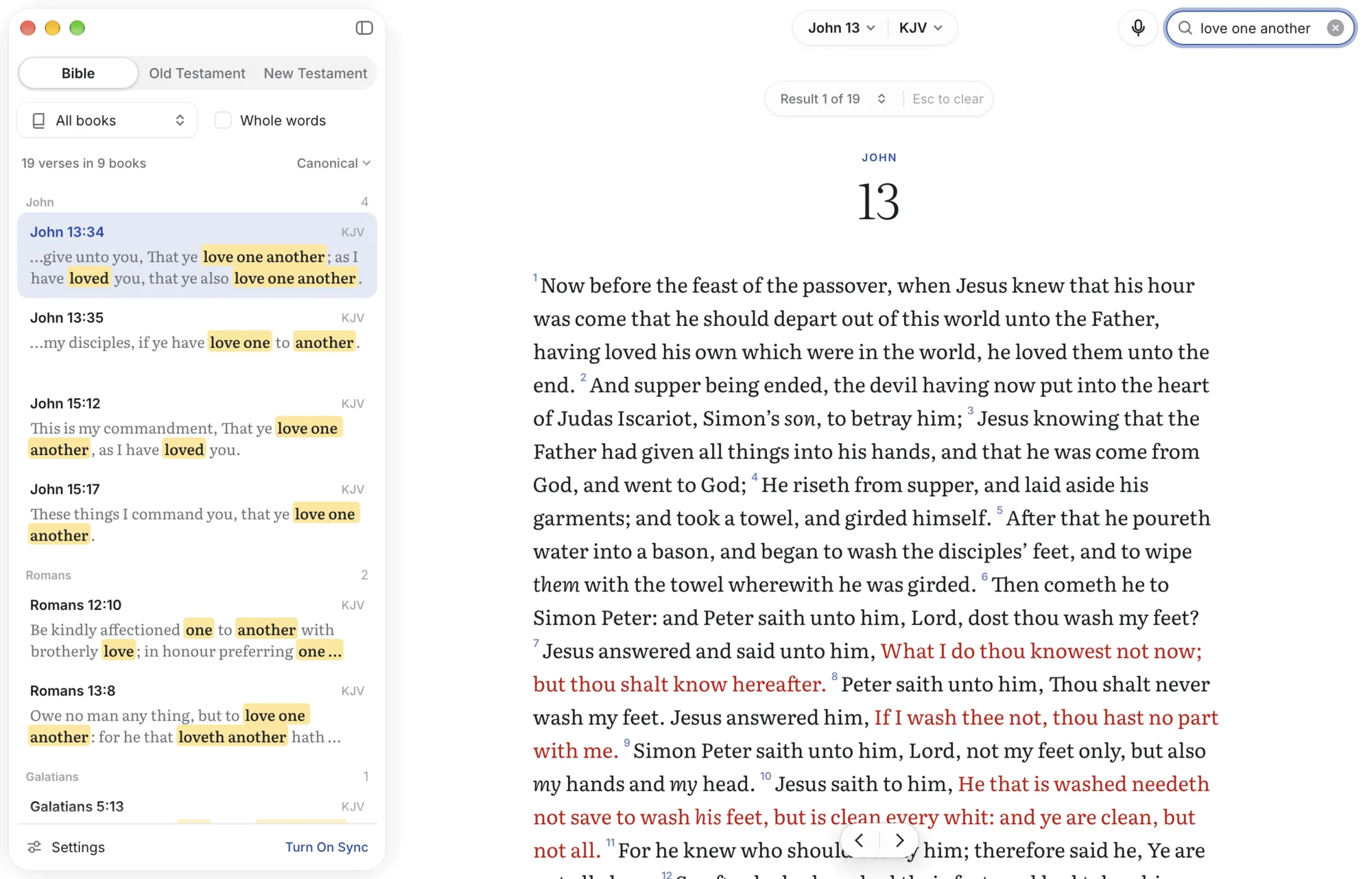
Carrell is a native app written in Rust, not a web page in a window. The first frame already shows the text, and search covers the whole Bible as you type.
Scroll
Or scroll, one verse at a time.
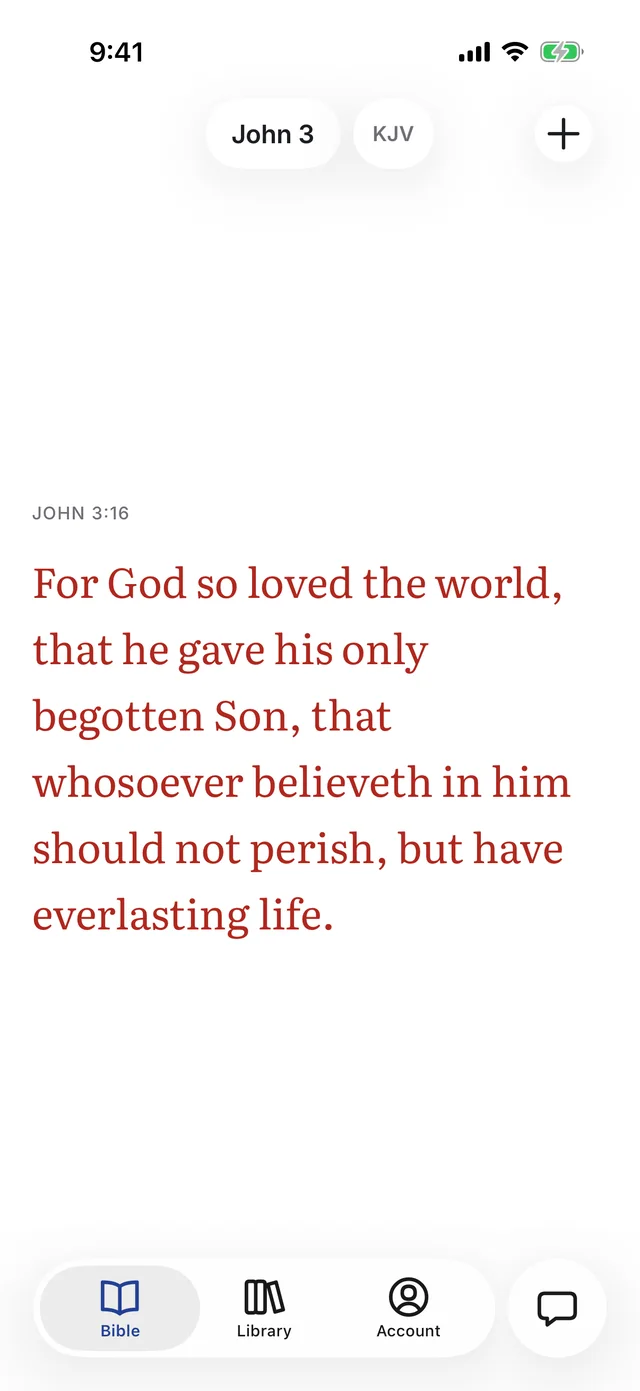
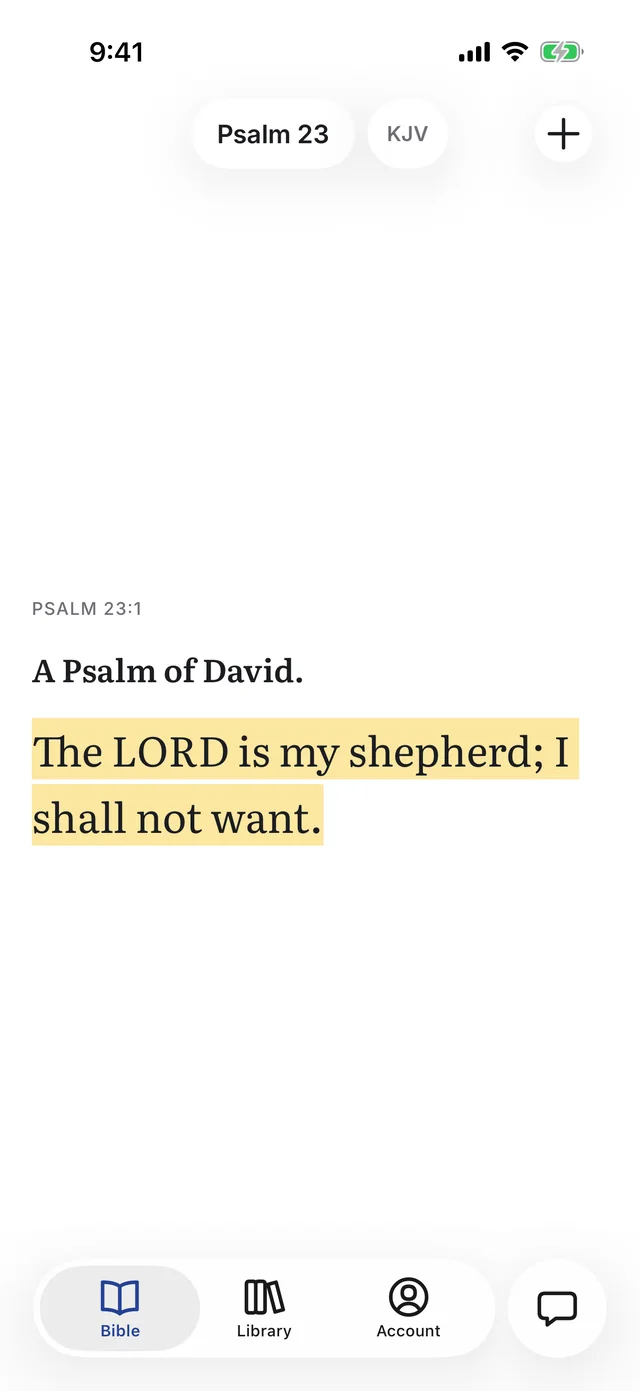
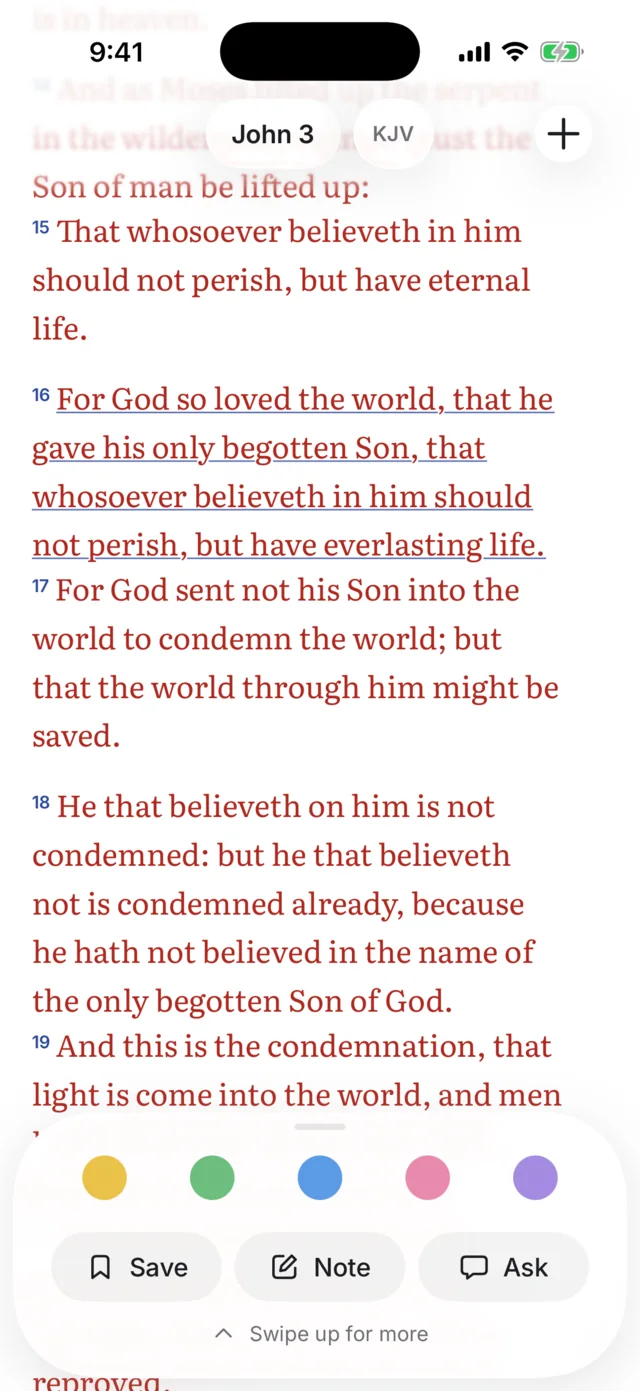
Turn on scroll mode on iPhone and the Bible becomes a feed of single verses, each with the screen to itself. Swipe up for the next, through the end of the chapter and on into the one after.
- Everything you keep comes along. Highlights, bookmarks and the words of Christ in red.
- Tap a verse to highlight it, write a note or ask about it, as in the chapter.
Keep
Everything you study, filed under the verse it belongs to.
Write a note as you read. Record Sunday’s sermon and get it transcribed. Photograph your handwritten notes, the slides, or a page of a commentary and circle what matters. Carrell reads them and links each one to the verses it mentions, so they show up in the margin the next time you open that chapter.
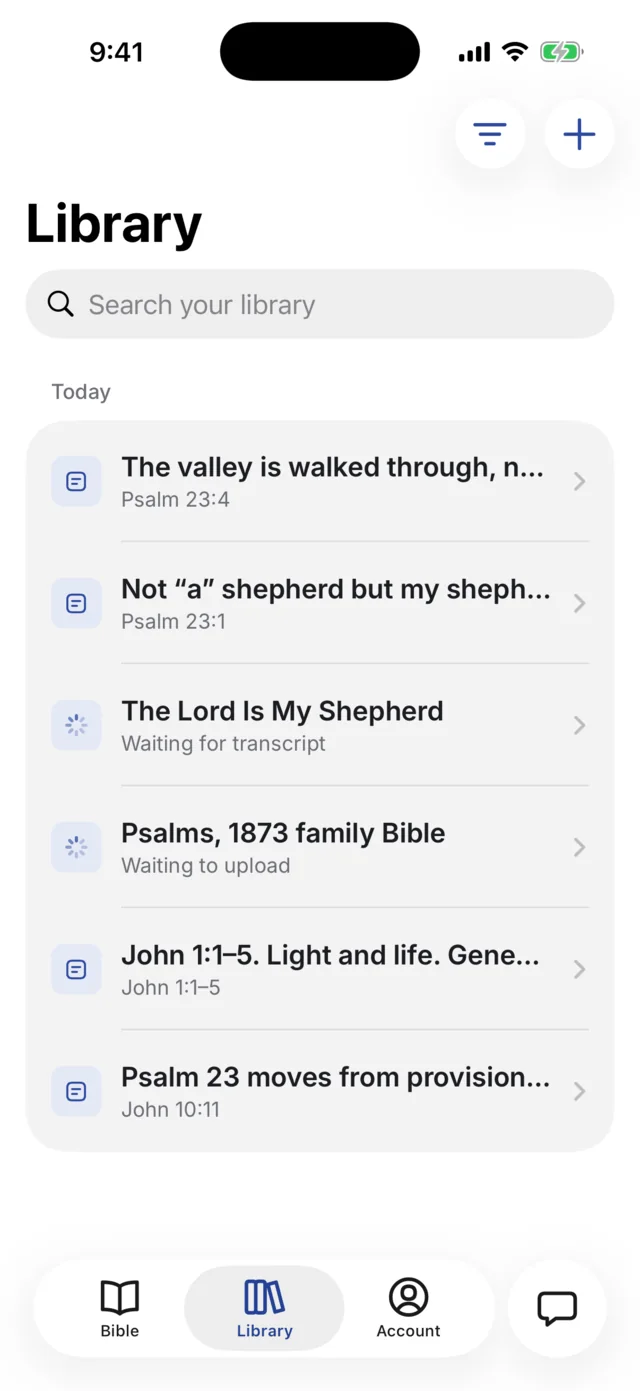
Notes and highlights
Six highlight colours, notes in the margin, bookmarks. Export to Markdown or JSON whenever you like.
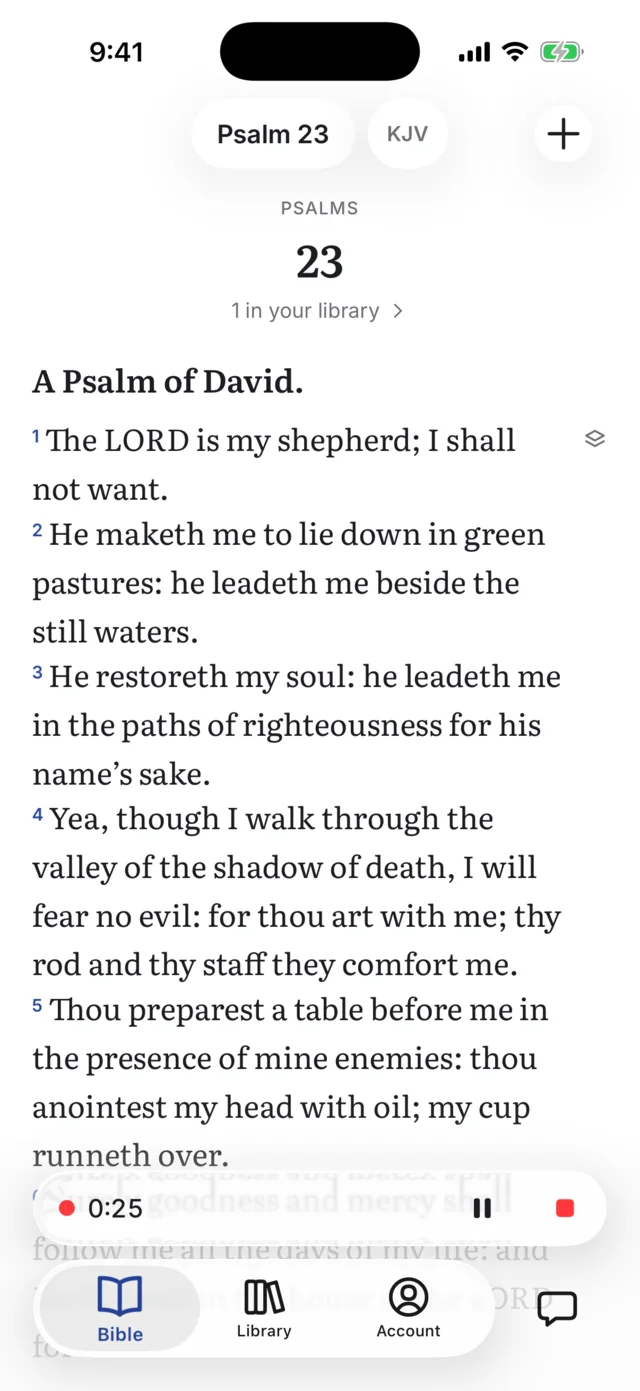
Sermons
Record on your phone. Carrell transcribes it, finds the passages the preacher read, and outlines it.
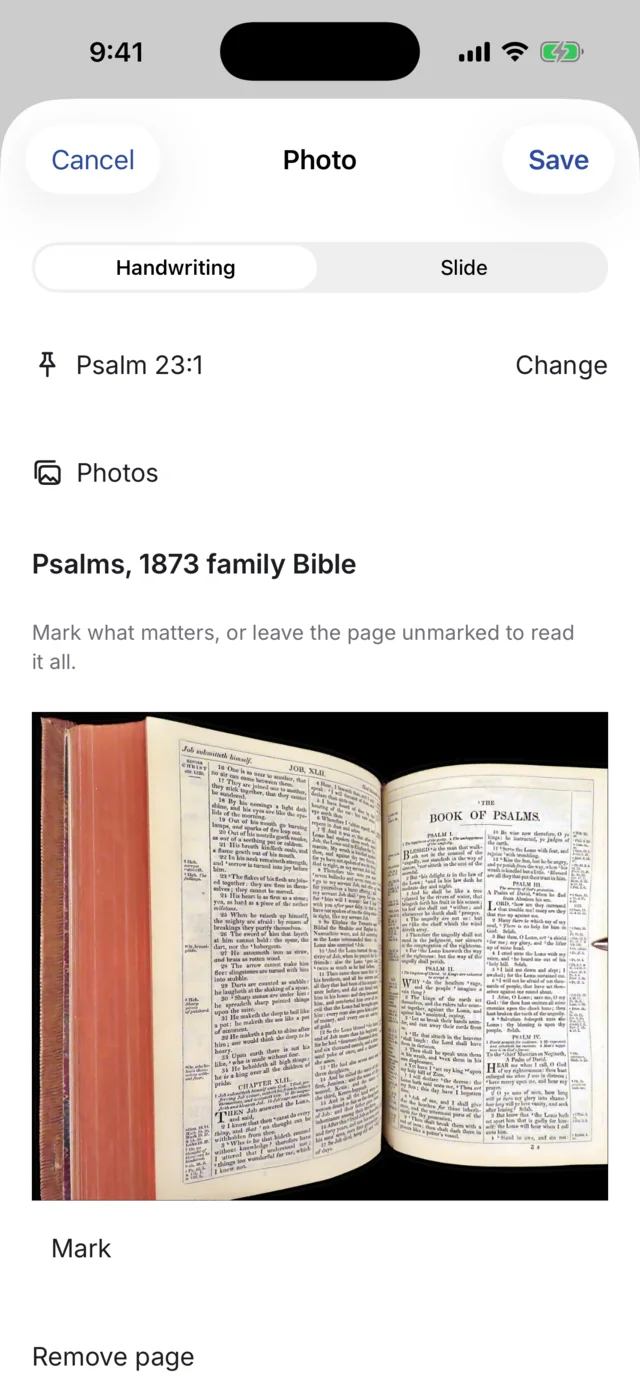
Photos of pages
Handwriting, slides and book pages, read and searchable, with your circles kept.
Ask
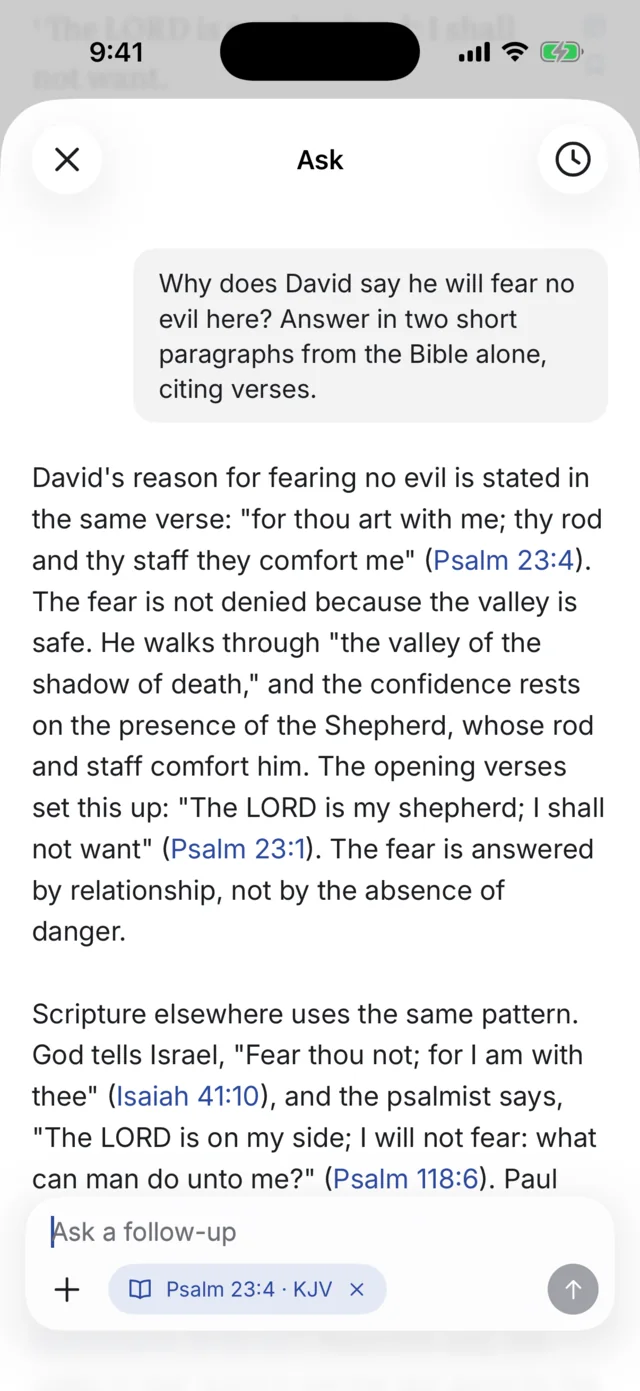
Questions answered from Scripture and your own library.
Ask reads the Bible and what you have kept: your notes, the sermons you recorded, the pages you photographed. Every answer cites its sources, so you can open the verse or the note and check it.
- Sources you can tap. Verses open in the reader; notes and sermons open where you kept them.
- Your library is not training data. We don’t sell it, show ads, or train models on it.
- A starting point, not a pastor. Check answers against Scripture and the sources cited.
Everywhere
On your desk, in your pocket, at church.
One Carrell account keeps your library in sync. Reading needs no connection once you’re signed in, and everything you keep stays exportable.
- MacmacOS 11+, Apple silicon and IntelDownload
- Linuxx86-64 desktopDownload
- iPhone & iPadiOS betaJoin the beta
- AndroidComing later
Open it. The page is already there.
Carrell is free to download and free to use. Pro adds more questions, sermon transcripts, photos and storage.